
For the medical store, billing to books
Bill at MRP, keep supplier dues in order and have GST figures ready.

What makes it hard
- Supplier bills pile up in a drawer
- Regular patients pay at the month's end
- GST figures are worked out in a rush
How PaySir helps
Scan supplier bills
A photo gives you the seller, date and total to check.
AI bill scanA khata for regulars
Monthly dues, with a polite reminder.
KhataGST ready to check
Output and input tax, month by month.
Reports
Screens you will use
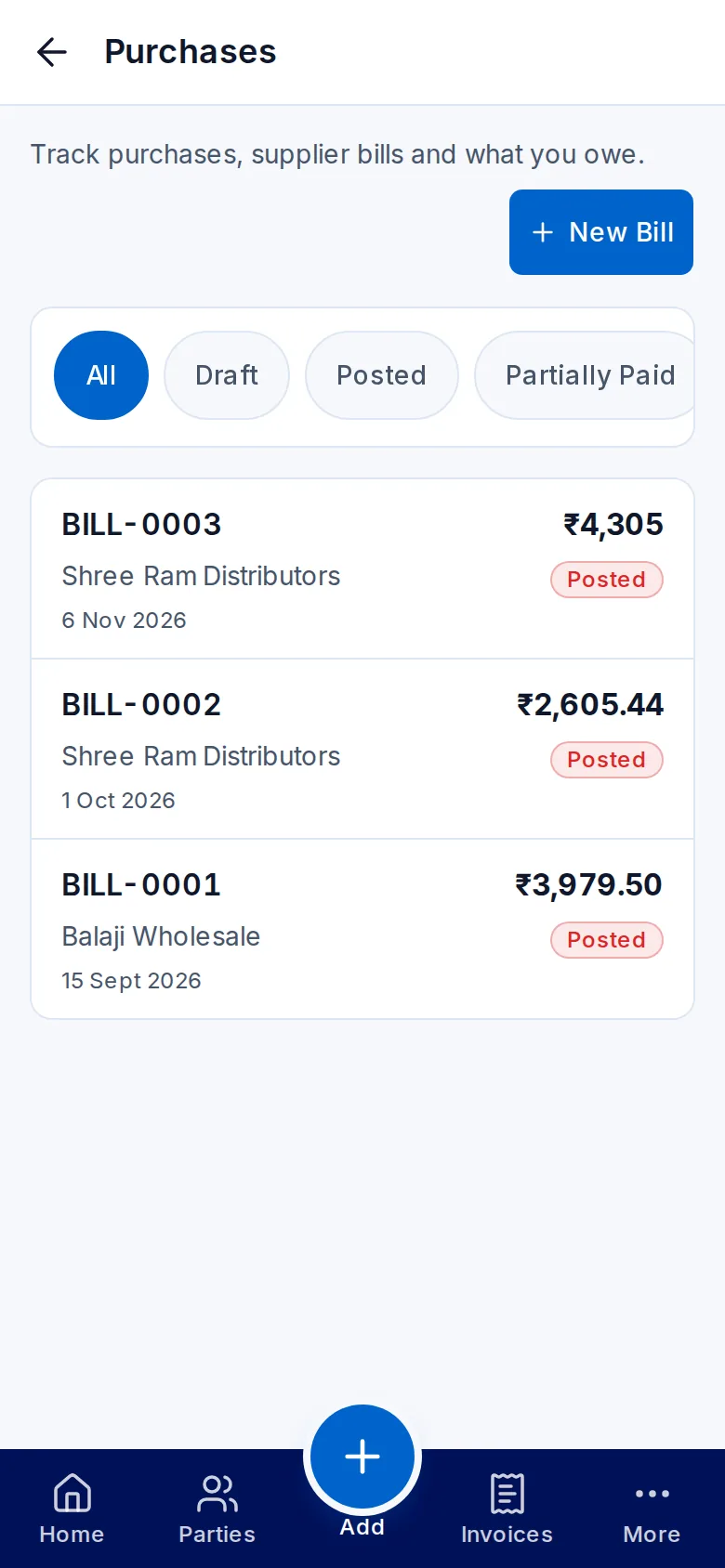
Purchases: supplier bills in order
- Add a new bill
- Filter by status
- Bill, supplier and amount
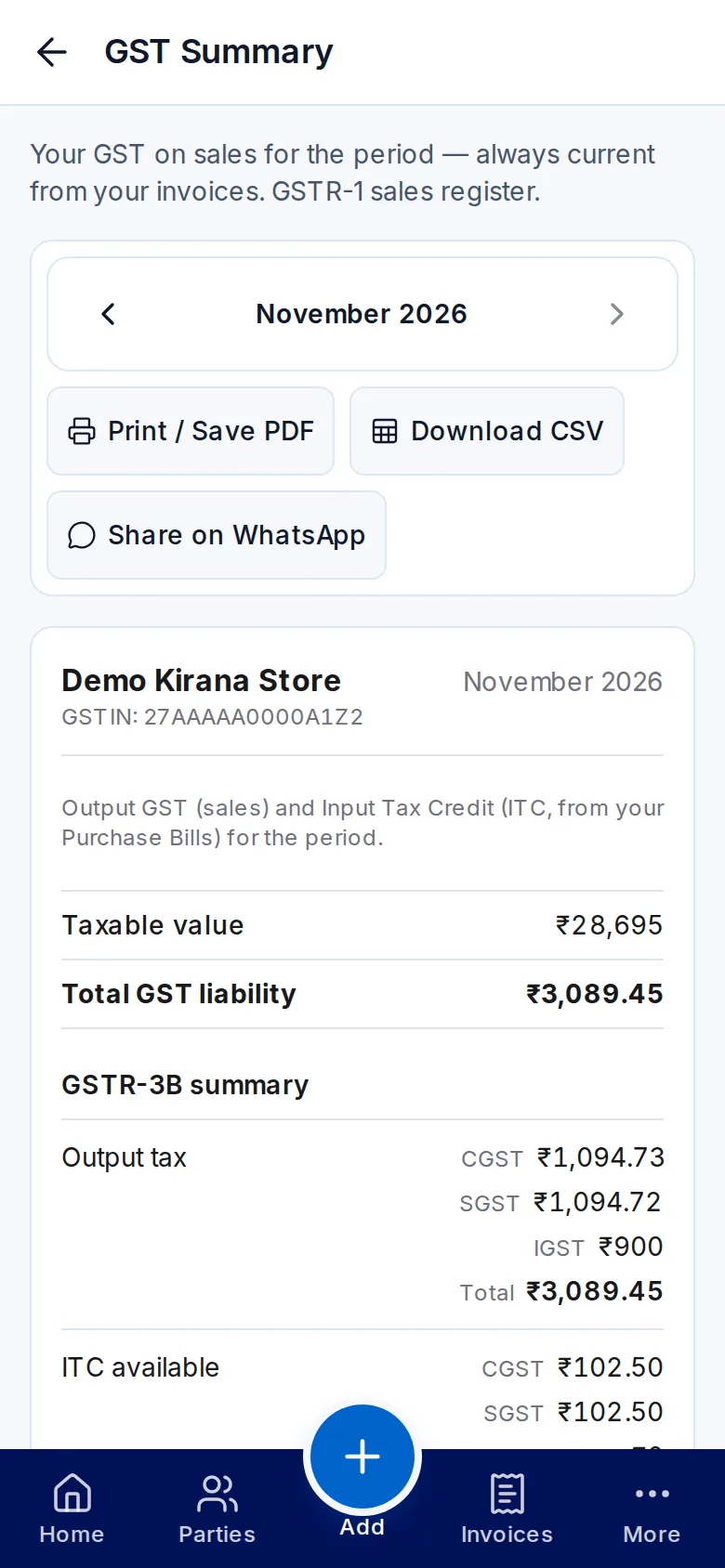
GST summary for the month
- Choose the month
- Total GST on sales
- CGST, SGST and IGST, apart
Questions people ask
Does PaySir track batch and expiry dates?
No, not today. It tracks quantity, price and GST for each item.