
Share the work, keep the keys
Let staff bill and your CA check the books. You decide who sees what.
In the Free plan

A role for each person
Owner, accountant or shop staff.
- Staff can bill and receive payments
- Reports and settings stay out of staff's way
- Your accountant sees the books
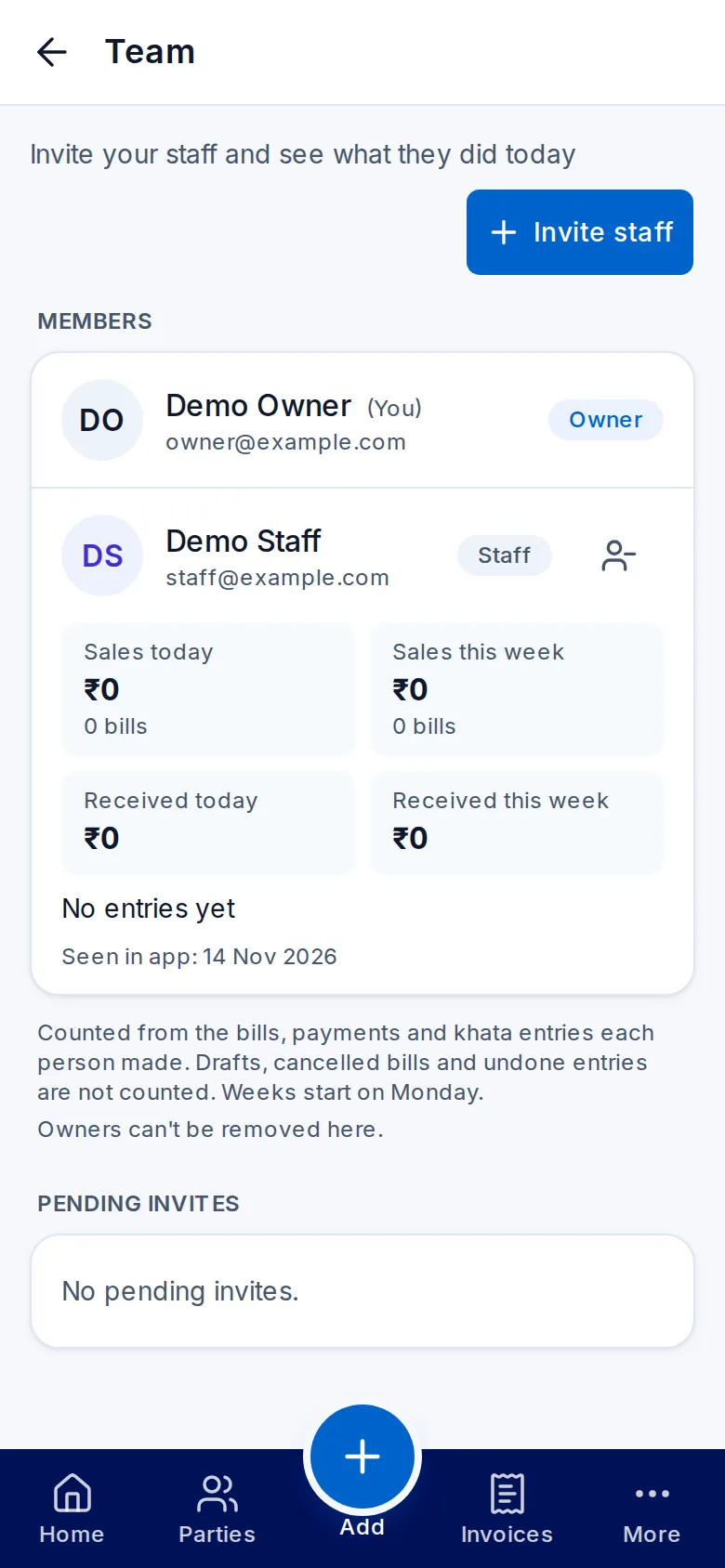
Your team and their work
- Invite staff
- Each person's role
- What they sold and received
Many shops, one login
Switch from the top of the screen.
- Separate books for each business
- Its own GSTIN and invoice numbers
- Different people in each
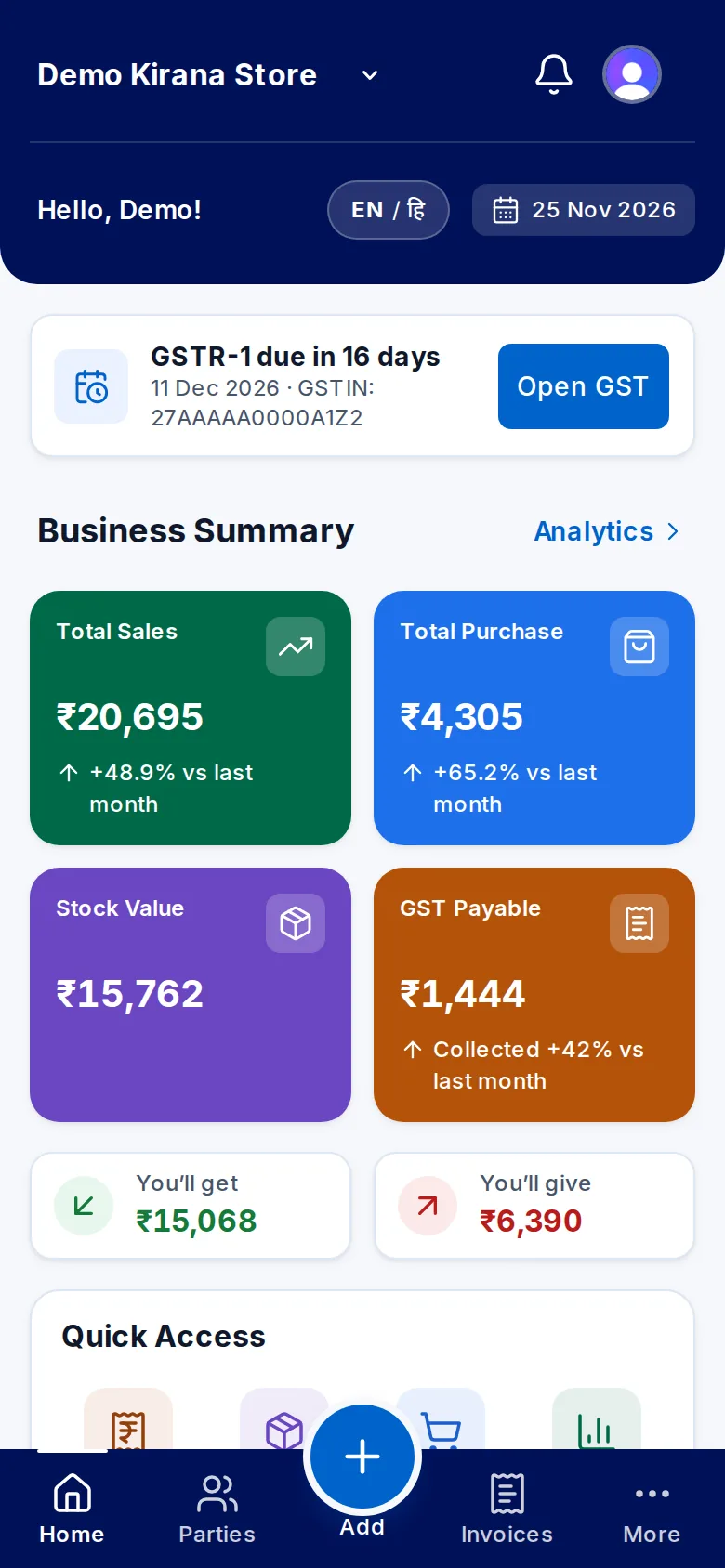
Home: the shop at a glance
- The next GST due date
- This month's sales and purchases, or today's on a computer
- What you'll get and what you'll give
Lock it on your phone
App Lock asks for your fingerprint or passkey.
- Choose when it locks
- Works on phones that support passkeys
- A record of every change to money
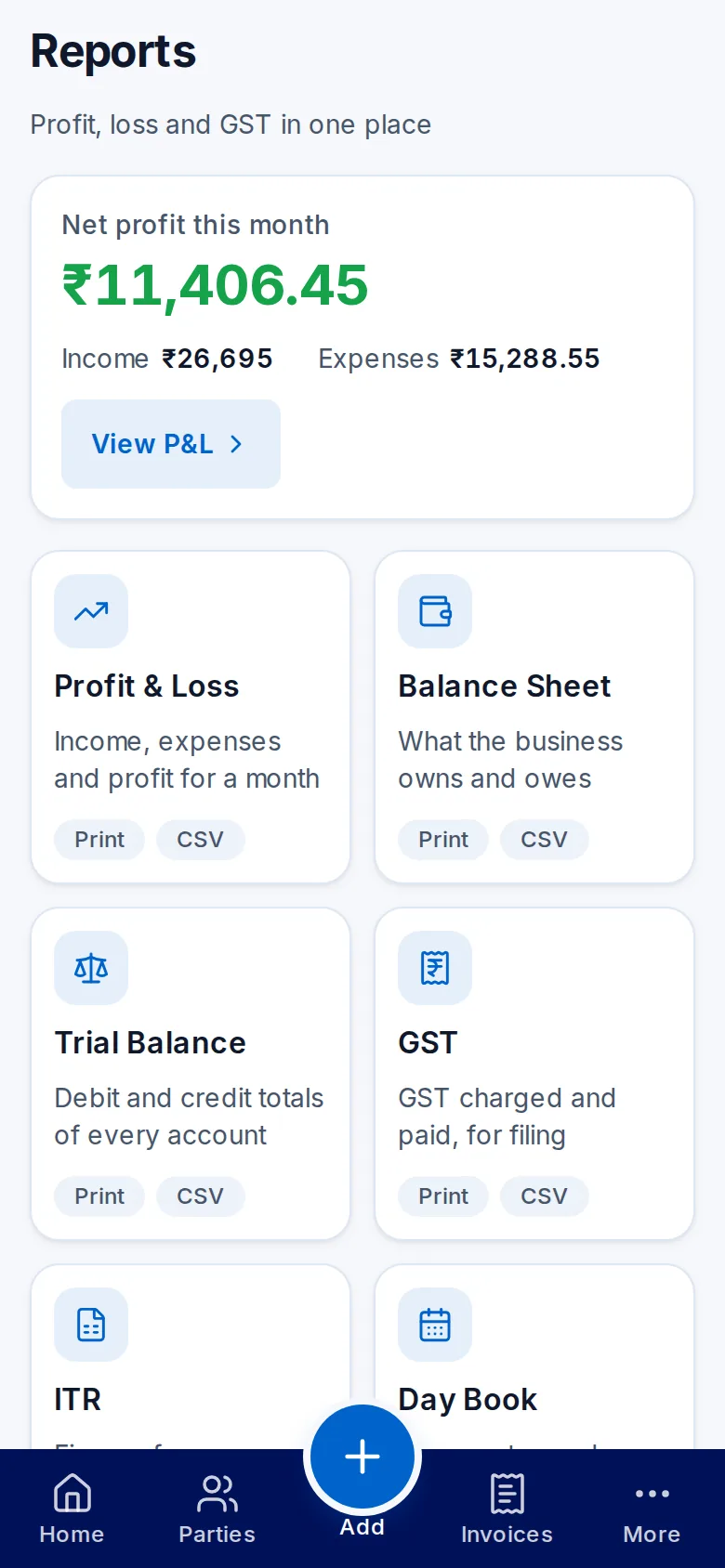
Reports, all in one place
- Net profit this month
- A card for each report
- Print or CSV
On your computer
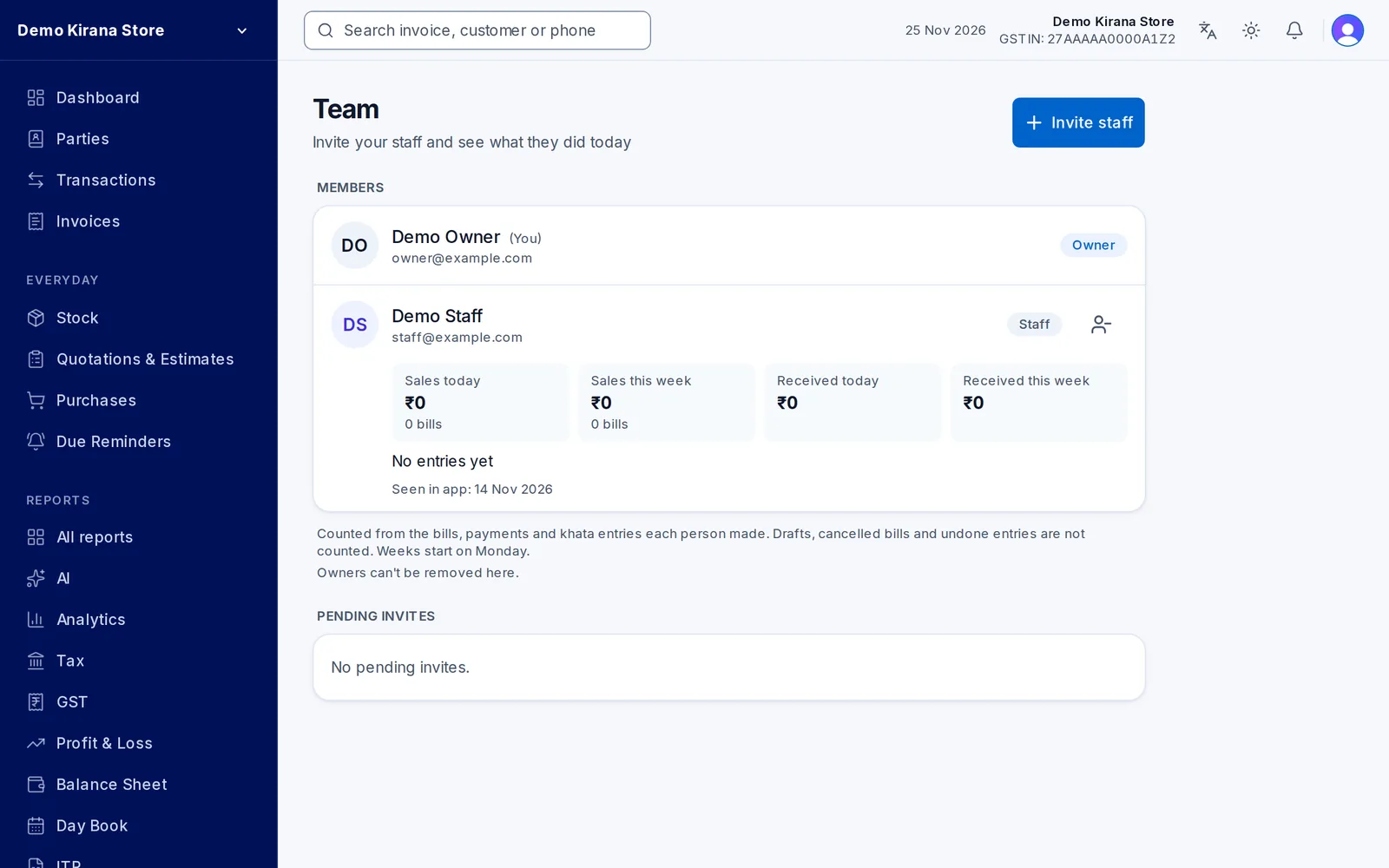
Your team and their work
- Invite staff
- Each person's role
- What they sold and received
Questions people ask
Can staff see my profit?
No. Shop staff cannot open reports.
Can one person work in two companies?
Yes, and they can have a different role in each.