
Photograph the bill. Check it. Done.
PaySir reads the seller, GSTIN, date and total from your photo, and shows them to you before anything is saved.
In the Free plan, with a monthly limit

Camera or gallery
Use the photo your supplier sent, or take one now.
- JPG, PNG or WebP photos
- Works from the phone or the web
- See the photo before you send it
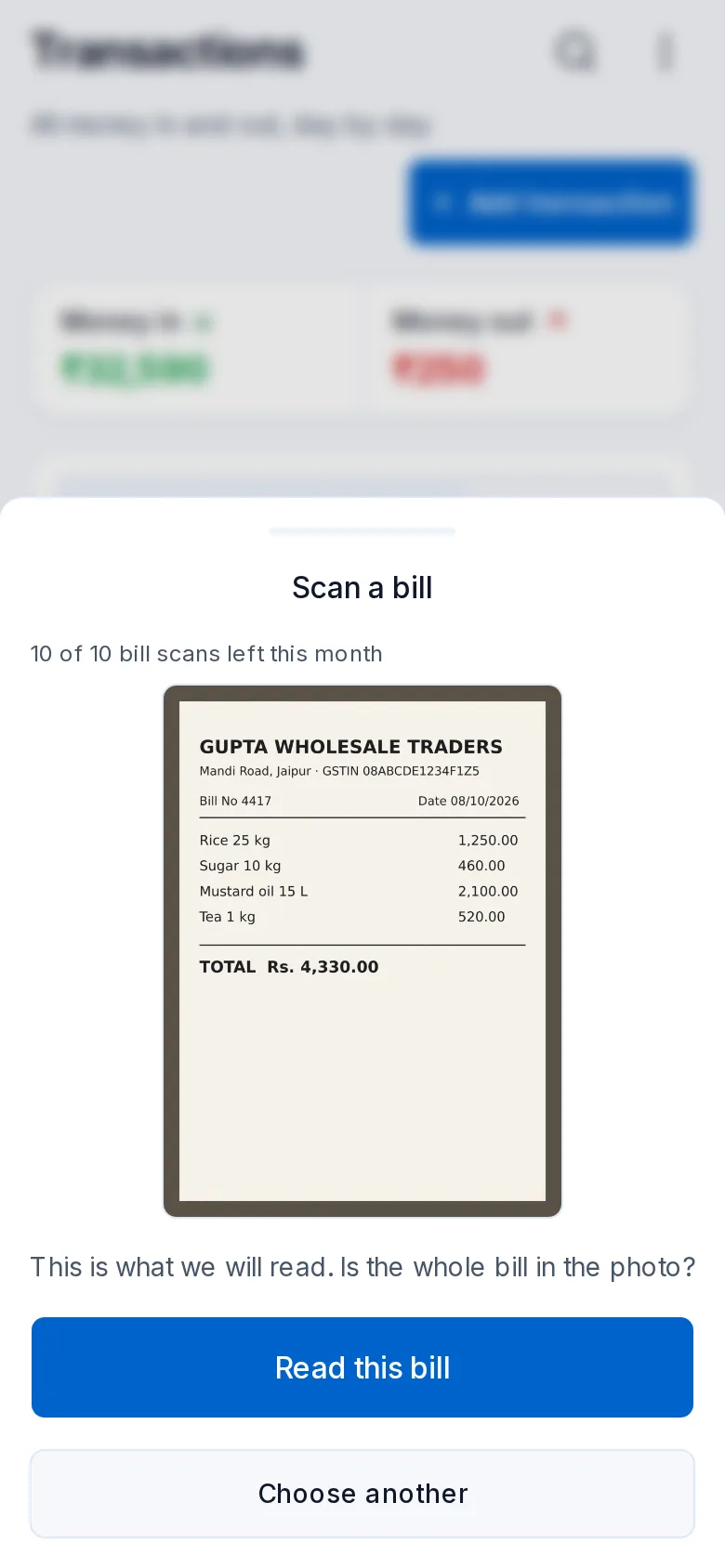
Scan a bill: check the photo first
- The photo you chose
- Read it, after you check
- Or choose another
You have the last word
AI can misread a smudged bill, so nothing is posted until you say so.
- Check the seller, date and total
- Correct what is wrong
- Then save it to your books
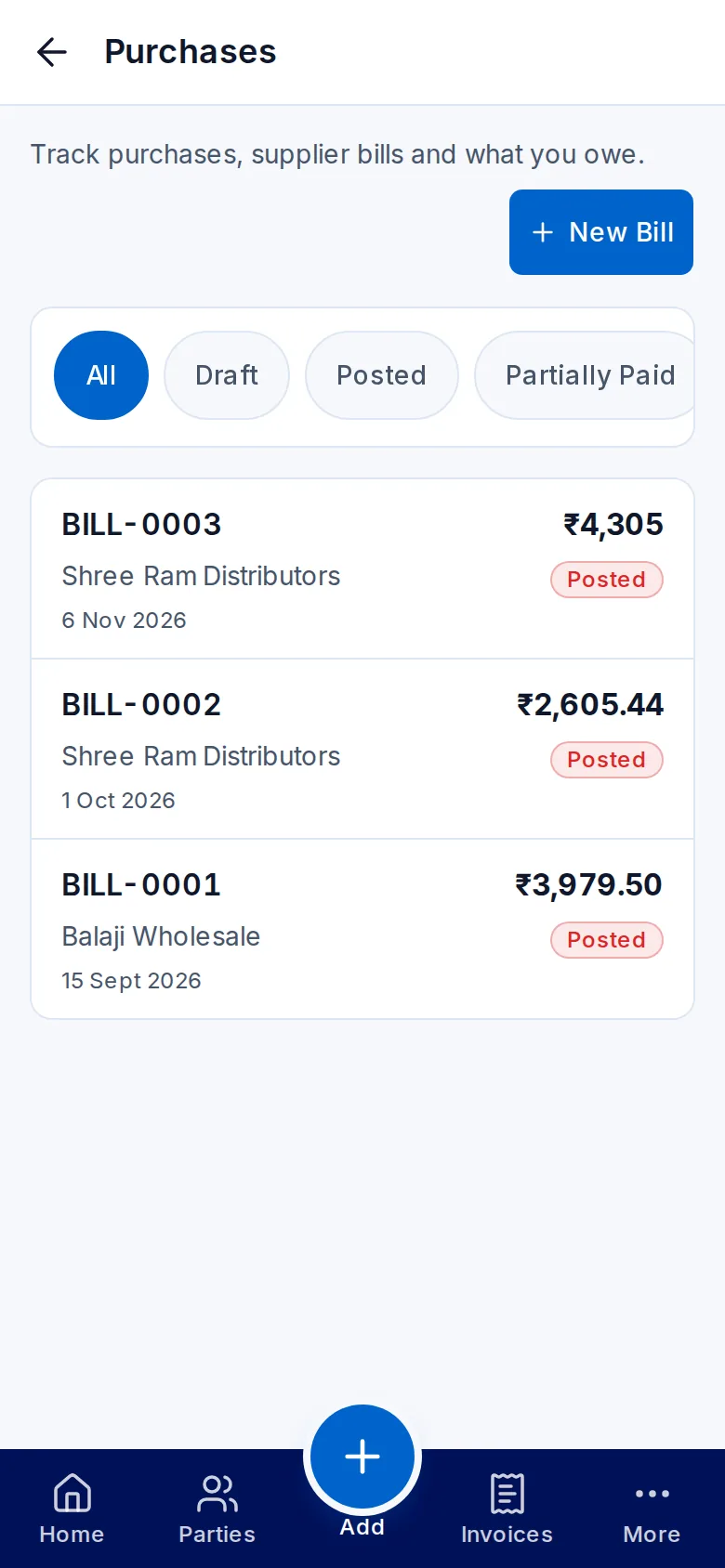
Purchases: supplier bills in order
- Add a new bill
- Filter by status
- Bill, supplier and amount
A fair monthly limit
Each plan has a number of scans a month.
- Free: 10 scans a month
- Basic: 60 scans, Pro: 250 scans
- Scanning a whole sales-register page is in Pro
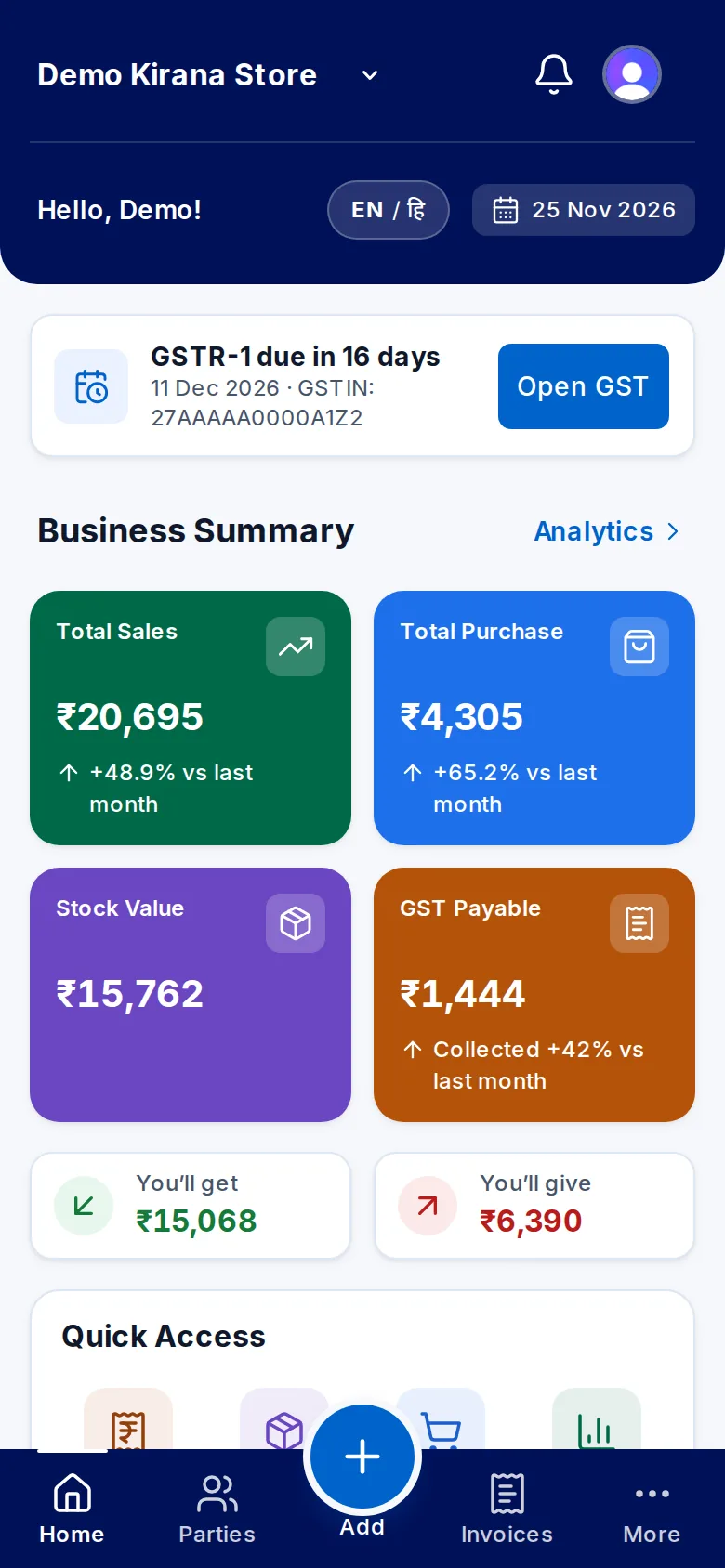
Home: the shop at a glance
- The next GST due date
- This month's sales and purchases, or today's on a computer
- What you'll get and what you'll give
On your computer
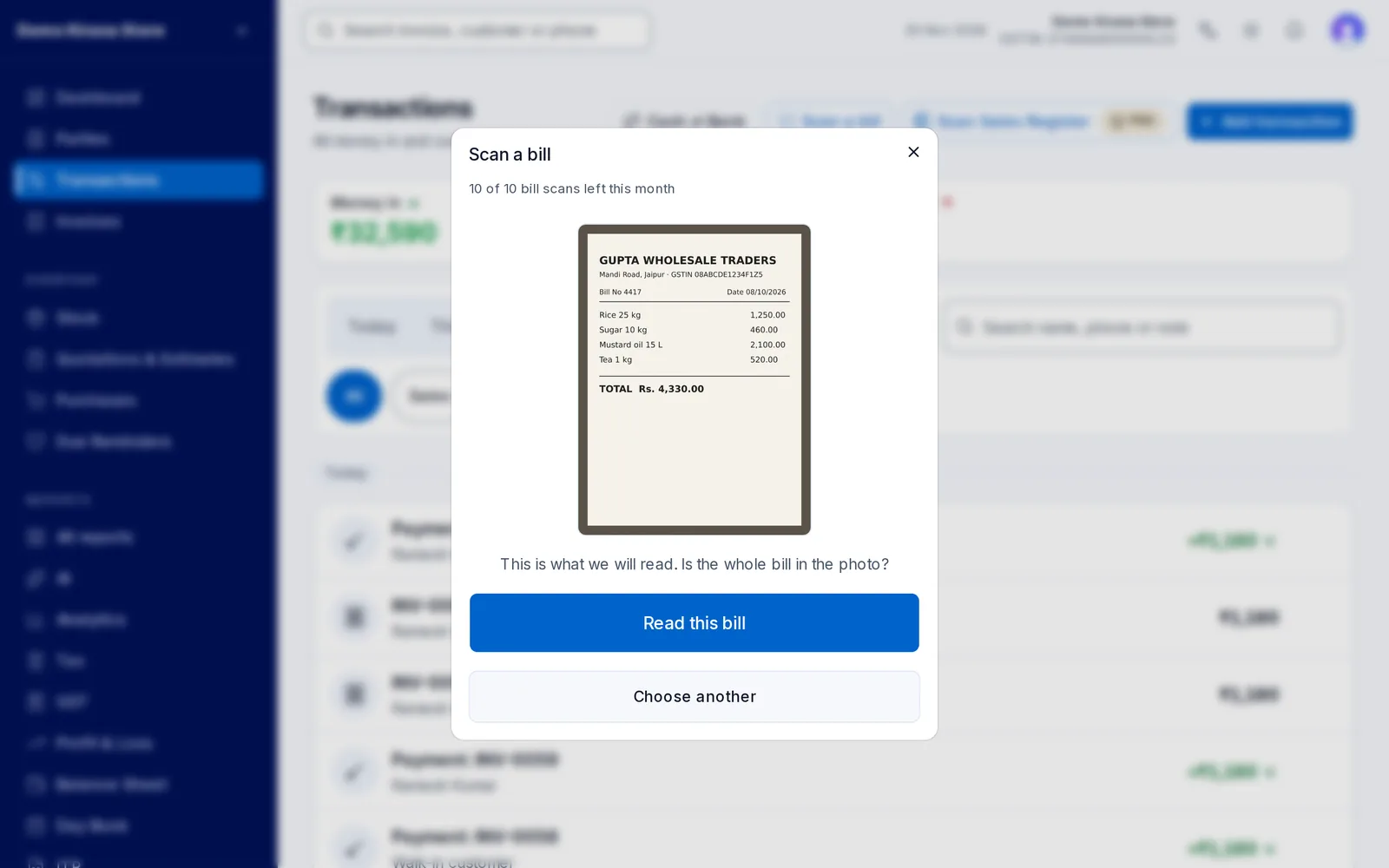
Scan a bill: check the photo first
- The photo you chose
- Read it, after you check
- Or choose another
Questions people ask
Can it read a PDF bill?
Not today. Use a photo or a screenshot of the bill.
Who reads my bill?
An AI service run by Anthropic reads the image. Our Privacy Policy lists it.