
See what you really earned
Reports are made from your entries as you work. Nothing to prepare at the end of the month.
In the Free plan

Profit in plain sight
What came in, what went out, and what is left.
- Profit & Loss for the period you choose
- Balance Sheet and Trial Balance
- Print them or share them
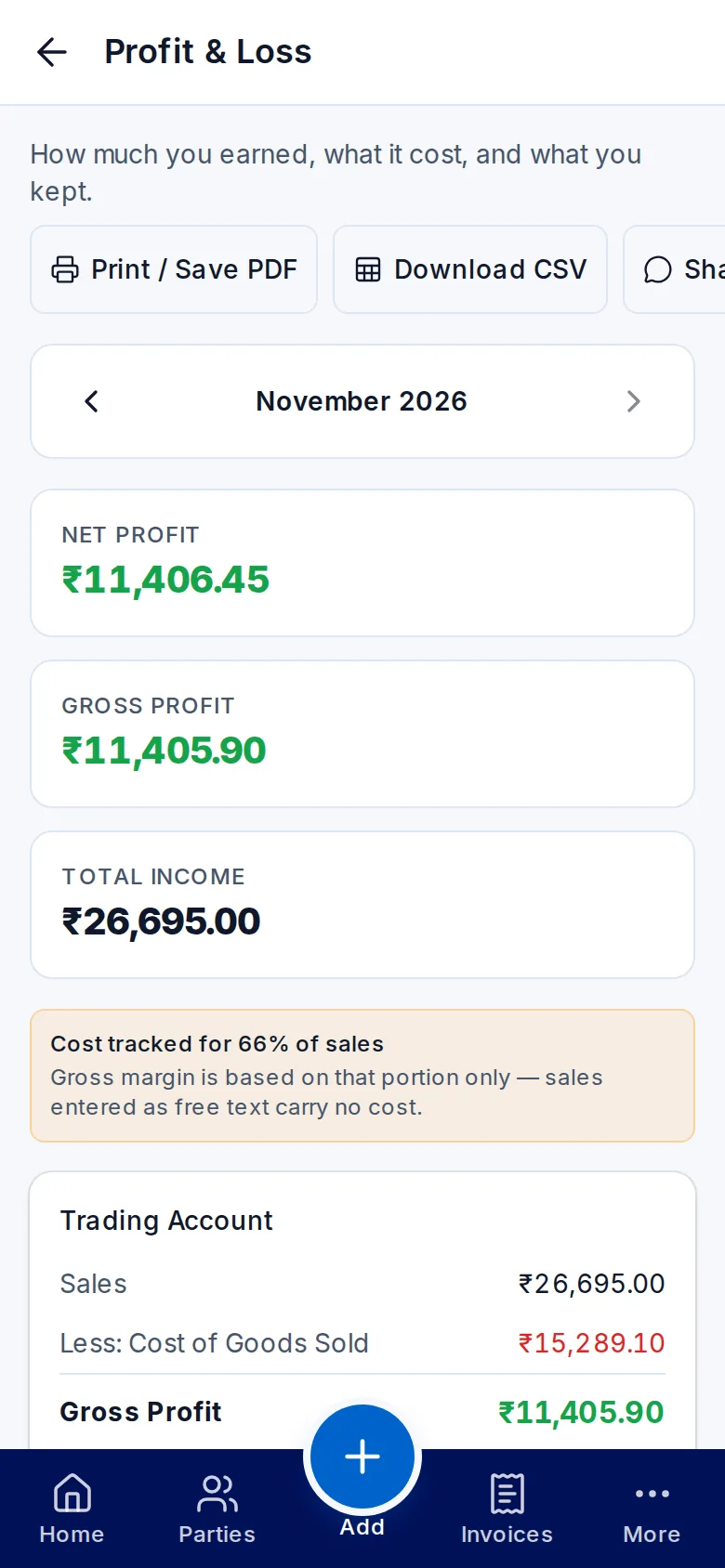
Profit & Loss for the month
- Move between months
- Net profit
- How the figure was reached
GST, ready to check
Your tax on sales and purchases, month by month.
- GST summary of output and input tax
- GSTR-1 and GSTR-3B JSON to download
- You or your CA file on the GST portal
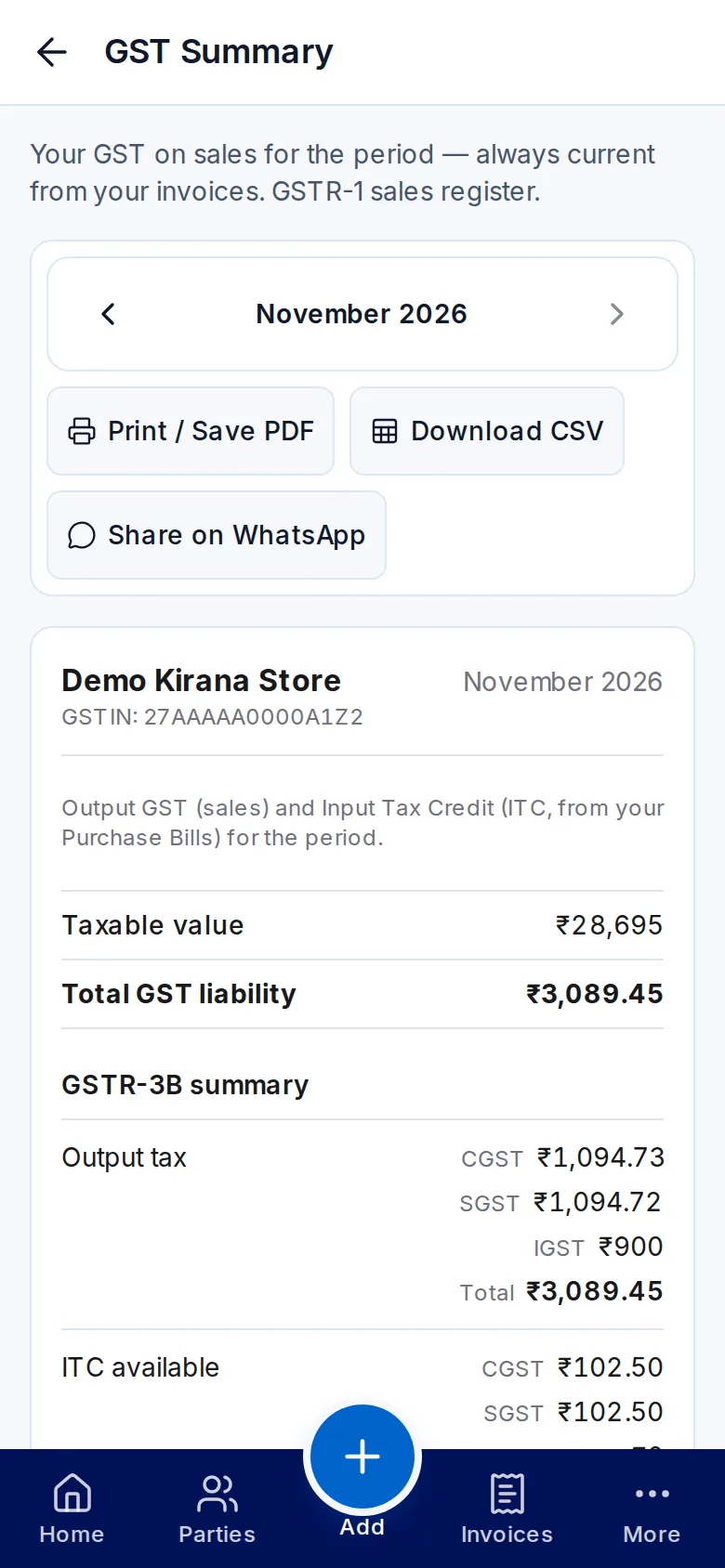
GST summary for the month
- Choose the month
- Total GST on sales
- CGST, SGST and IGST, apart
The day and the year
Close each evening, and be ready in July.
- Day Book of every entry
- ITR summary for your CA
- Download as CSV
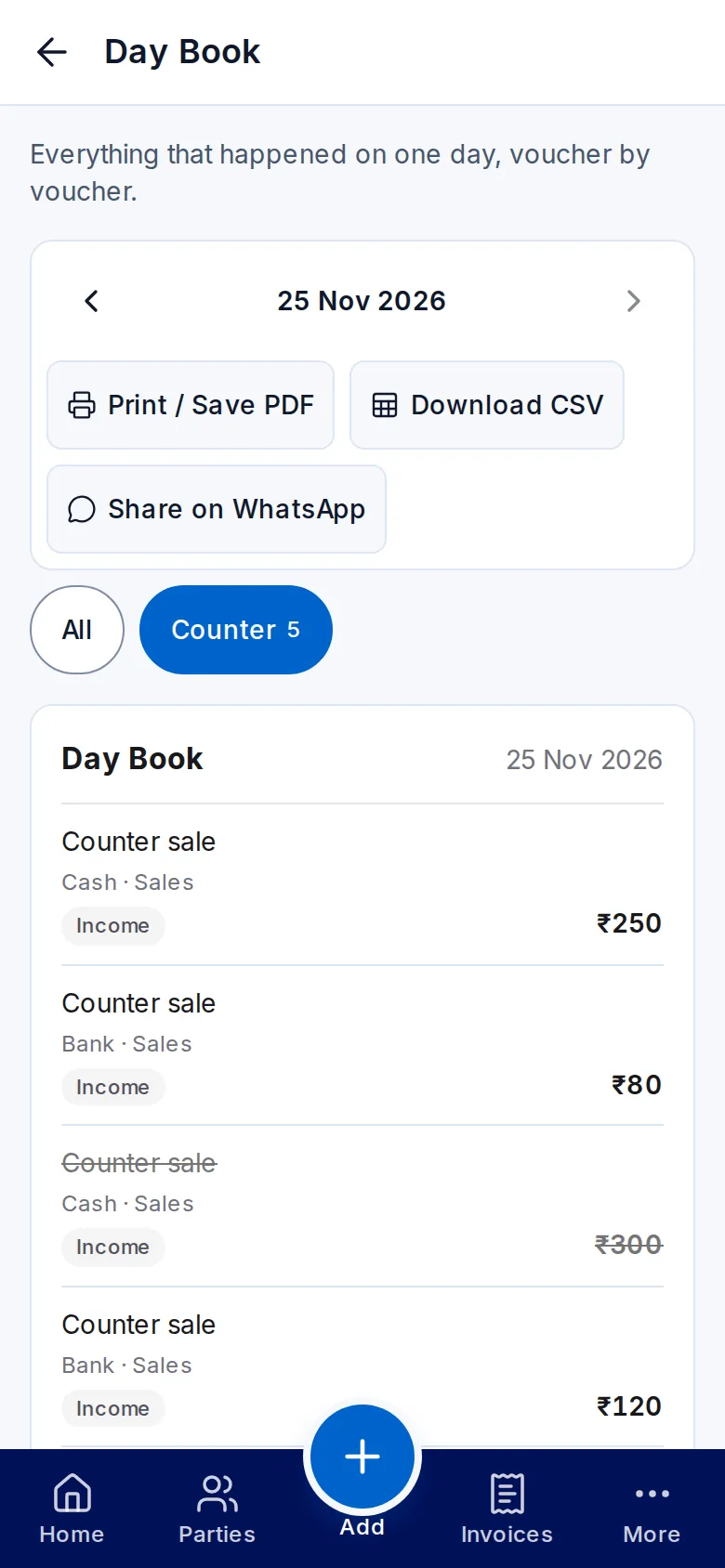
Day Book: every entry of the day
- The date
- Show only counter sales
- Each entry, with its accounts
On your computer
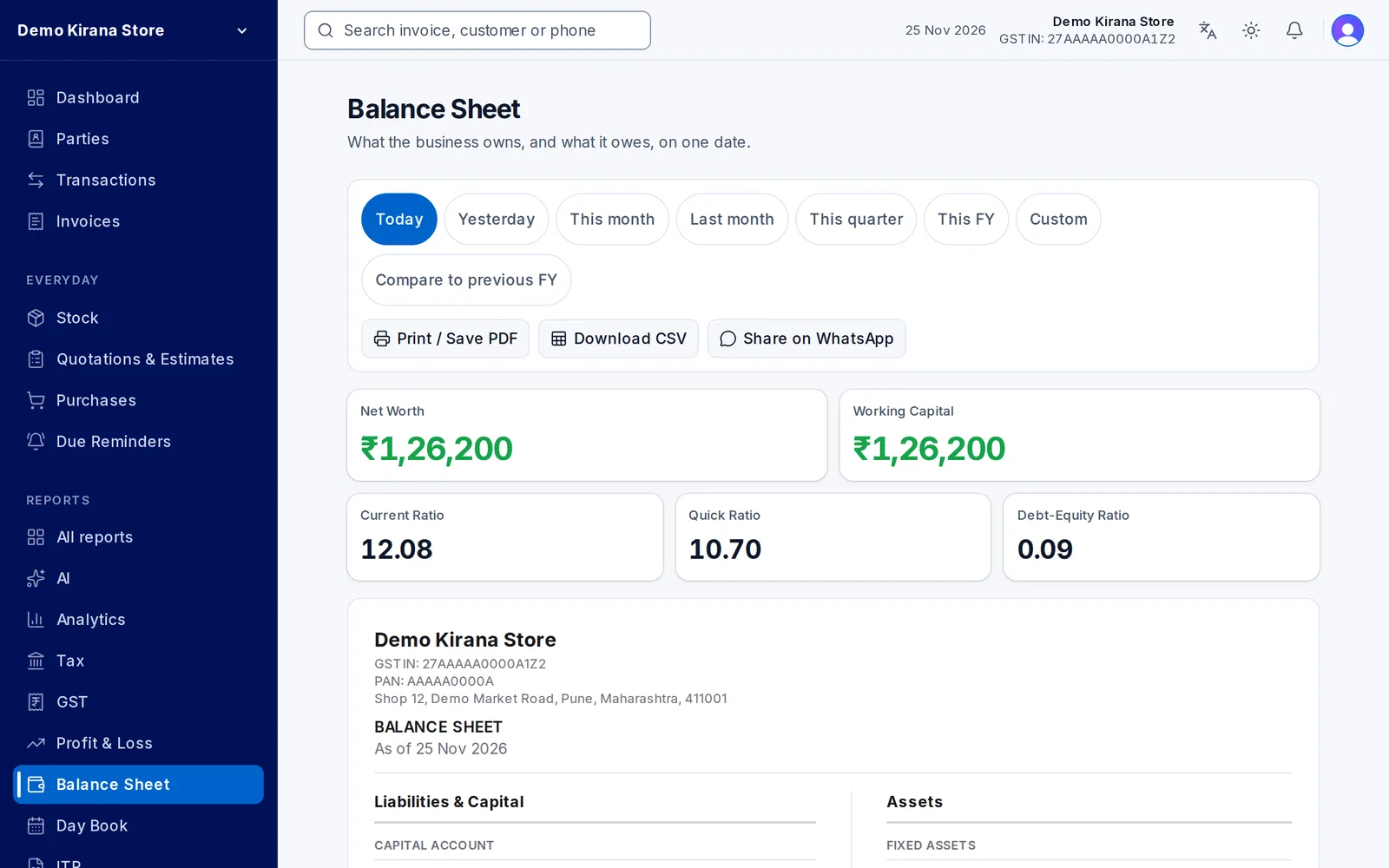
Balance Sheet on any date
- Choose the date
- Net worth and working capital
- Key ratios
Questions people ask
Does PaySir file GST returns online?
No. It prepares the JSON files. Filing is done on the GST portal by you or your CA.
Is the ITR summary a tax return?
No. It is a summary of your books to help your CA prepare the return.